Every application that accepts file uploads on AWS, whether it’s an S3-backed customer portal, an internal document workflow, or an API that ingests attachments, needs some scanning checkpoint, to ensure files are malware-free before they’re stored or processed.
In practice, this checkpoint rarely exists, as Amazon S3, API Gateway, and Lambda are built for scale and reliability, not threat detection. Left unchecked, they become a direct path for malware, ransomware, and zero-day threats to enter production environments through a completely ordinary upload form.
This guide analyses the problem, the build-vs-buy tradeoff, and how MetaDefender™ Cloud (available on AWS Marketplace), fits into an AWS file upload pipeline.
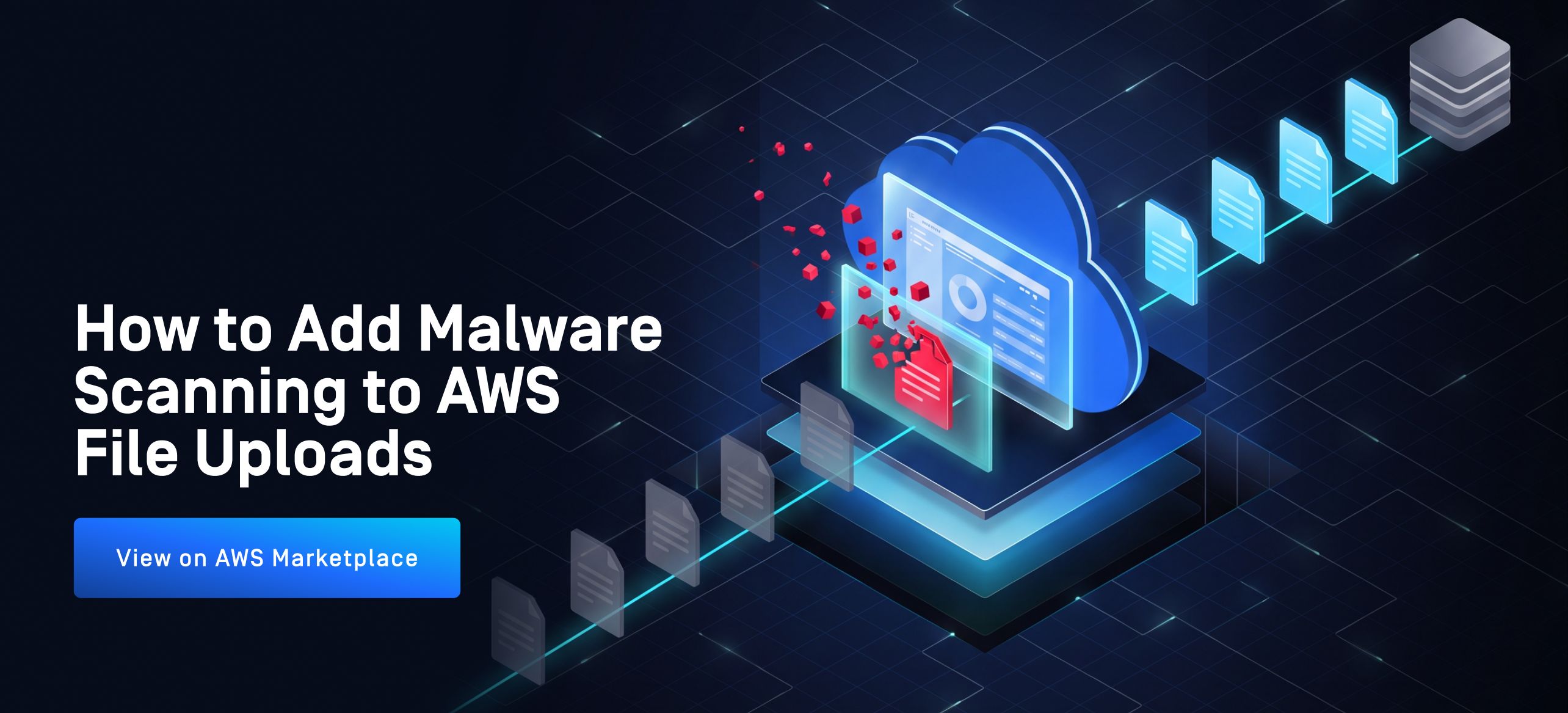
There are two scenarios that call for different tools: scanning files inline, before they enter your systems, with MetaDefender Cloud Prevention API, and scanning files at rest, once they are stored, with MetaDefender™ Storage Security Cloud.
Does Amazon S3 Automatically Scan Uploaded Files for Malware?
No, scalable storage doesn’t imply safe uploads. Unless your upload workflow includes a security check, whatever file lands in S3, it’s stored as received, including any hidden malicious payload.
For teams handling contracts, resumes, financial documents, or other user-uploaded content, unchecked files can create three risks:
- Malware and ransomware reach production storage or downstream systems.
- New and unknown threats slip past a single antivirus engine.
- Compliance gaps where scanning or sanitizing uploaded files is required
Three Ways to Scan AWS File Uploads for Malware
Teams generally take one of three paths:
1. Build it yourself
Teams can deploy an open-source antivirus engine (e.g., ClamAV) on EC2 or in a container, wire it into the upload flow, and maintain signature updates themselves. This works, but it's a single detection engine, it doesn't sanitize files (only flags them), and it becomes another piece of infrastructure your team owns and patches.
2. Use a native AWS feature
Amazon GuardDuty offers a built-in option, Malware Protection for S3, which automatically scans new objects uploaded to designated S3 buckets and generates a finding if malware is detected. It's agentless and requires no infrastructure to manage. It's scoped specifically to S3 (there's a separate GuardDuty feature for EBS volumes on EC2), and per AWS's own documentation, detection runs on two scan engines; one built and managed by AWS, and one third-party vendor engine, plus YARA-rule and ML-based heuristics. It flags or tags malicious objects; it doesn't sanitize or reconstruct files.
3. Integrate a managed file security API
Call a service that runs multiple detection engines in parallel and returns a verdict (and optionally a sanitized file) via REST API, with no infrastructure to run yourself, and without being limited to files that pass through S3 specifically.
This is the category MetaDefender Cloud Prevention API sits in.
What MetaDefender Cloud Prevention API Does
MetaDefender Cloud Prevention API provides:
- Metascan™ Multiscanning: MetaDefender Cloud checks files using more than 20 antivirus engines, helping catch threats that a single engine might miss.
- Deep CDR™ Technology (Content Disarm and Reconstruction): It cleans supported files by taking them apart and rebuilding them, removing potentially harmful content while keeping the files usable.
- MetaDefender™ Aether (sandbox analysis): It runs suspicious files in a controlled environment to see how they behave, helping uncover hidden threats that other scanning methods might miss.
- RESTful API integration: Its APIs let you add file scanning, cleaning, and analysis to your existing upload workflow, for example, through an AWS Lambda function or backend service. They also support file hash and threat intelligence lookups.
Two Ways to Scan Files on AWS: Inline vs. At Rest
To see which MetaDefender Cloud solution fits better, you need to see where you scan in the file lifecycle. The two approaches address different points in the workflow and can be used together.
- Inline, before filles are stored: MetaDefender Cloud Prevention API.
Your application sends each file to the API and acts on the result, or uses the sanitized file, before the file is written to S3 or passed to downstream services. Files are checked before they are stored or processed. - At rest, in storage: MetaDefender Storage Security Cloud.
It scans files already in cloud storage such as Amazon S3, with real-time, on-demand, and scheduled scanning options. It works at the storage layer rather than in your application code, so it can cover files that did not pass through an API call.
In practice, use Prevention API when you control the upload path and want to stop unverified files before they are stored. Add Storage Security Cloud to cover files already in your buckets, files that arrive through other paths, and periodic re-scanning of stored content. Together they cover both the point of entry and the files you already hold. Capabilities and licensing differ by product, so confirm current details in each product’s documentation and AWS Marketplace listing.
Free (Community Tier) vs. Commercial: What's on the AWS Marketplace?
MetaDefender Cloud offers different plans depending on how you want to use it:
- Free / Community tier: Available directly on metadefender.com, is a way to explore the service and try its features within the Community tier limits. You can also test theAWS S3 integration live by connecting your buckets with AWS credentials and seeing MetaDefender Cloud in action.
- Commercial / Enterprise through AWS Marketplace: The AWS Marketplace listing is a separate, contract-based offering.
For a full comparison of plans and included features, visit the MetaDefender Cloud licensing page.
MetaDefender Cloud Prevention API vs. GuardDuty Malware Protection for S3
Teams whose main concern is S3, should see how a native option compares before evaluating a third-party API. Based on AWS's own documentation and OPSWAT's AWS Marketplace listing:
GuardDuty | MetaDefender Cloud | |
Domeniul de aplicare | Amazon S3 objects only | Any application or workflow via REST API; not limited to S3 |
Detection engines | Two: an AWS-built engine and a third-party vendor engine, plus YARA/heuristic and ML-based detection | 20+ commercial anti-malware engines (multiscanning) |
Curățarea fișierelor | Not included; detects and flags/tags malicious objects | Deep CDR™ Technology reconstructs files from safe components, in addition to detection |
Trigger model | Automatic on new S3 object uploads (PutObject, POST Object, CopyObject, CompleteMultipartUpload) | Called explicitly via API from your application code, at whatever point in your workflow you choose |
Object size limit | 100 GB per S3 object | 1 GB + Enterprise tier |
Achiziții publice | Native AWS feature, billed through your AWS account based on data scanned | Separate commercial contract via AWS Marketplace Private Offer |
GuardDuty Malware Protection for S3 is a reasonable fit if your entire exposure is objects landing in S3 and you want a fully native, low-setup option.
MetaDefender Cloud Prevention API is a better fit if you need scanning integrated directly into custom application logic, want file sanitization (not just detection) as part of the pipeline, or want the broader coverage of multi-engine scanning across a wider range of upload points than S3 alone.
Where This Fits Alongside Other AWS Workloads
If your primary need is scanning files already sitting in Amazon S3 (rather than files in transit through an API), the relevant product is MetaDefender Storage Security Cloud, which scans files at rest in Amazon S3 and other supported cloud storage, with real-time, on-demand, and scheduled scanning options. Used together with Prevention API, it lets you cover both inline and at-rest scanning.
If you need to scan traffic through an ICAP-enabled network device (load balancers, proxies, MFT systems) rather than a REST API, MetaDefender ICAP Cloud is the matching listing.
MetaDefender Cloud Prevention API is the right fit specifically when you're integrating scanning directly into application code via API calls, uploads through a custom app, a Lambda function, or a backend service.
MetaDefender Storage Security Cloud and MetaDefender ICAP Cloud are both listed on AWS Marketplace.
Noțiuni introductive
MetaDefender Cloud Prevention API is delivered as SaaS, there's no infrastructure to deploy. Access is provisioned once a Private Offer is accepted.
1. Review the MetaDefender Cloud Prevention API listing on AWS Marketplace for current pricing and terms
2. Contact OPSWAT sales (apn-sales@opswat.com) for a custom Private Offer quote
3. Integrate via the REST API using OPSWAT's documentation and sample code
Frequently Asked Questions About AWS File Upload Security
Do I need to build my own antivirus integration on AWS, or can I use an API instead?
Both are viable paths. Self-managed engines like ClamAV avoid recurring costs but require you to maintain infrastructure and typically rely on a single detection engine. A managed API like MetaDefender Cloud Prevention API trades that maintenance for multi-engine detection and file sanitization delivered as a service.
Is MetaDefender Cloud Prevention API the same as the free MetaDefender Cloud Community tier?
No. The AWS Marketplace listing is the commercial Enterprise tier and requires a Private Offer contract. The free Community tier is available separately through metadefender.com
What counts as one API request for billing?
Scanning a file with both multiscanning and Deep CDR™ Technology counts as one API request toward your monthly allowance.
Why not just use Amazon GuardDuty Malware Protection for S3 instead?
It’s a legitimate option if your exposure is limited to S3 uploads and you want a fully native, agentless solution. AWS describes it as using two scan engines, one AWS-built and one third-party, to flag malicious objects, without sanitizing them.
MetaDefender Cloud Prevention API complements that protection by extending coverage to any application through an API and combining multi-engine detection, Aether, and Deep CDR™ Technology file sanitization. Traditional single-engine antivirus alone cannot reliably detect every zero-day threat; Deep CDR™ Technology adds protection by removing potentially malicious file content without relying solely on detecting a known threat.
Should I scan files before they enter my systems or after they are stored?
Each addresses a different risk. Use MetaDefender Cloud Prevention API to scan inline and check files before they are stored. Use MetaDefender Storage Security Cloud to scan files at rest, including files already in storage, files that arrive through paths that do not call the API, and ongoing scheduled checks. Many teams use both.